Applicant details and actions
Applicant details view
- Navigate to the applicants dashboard
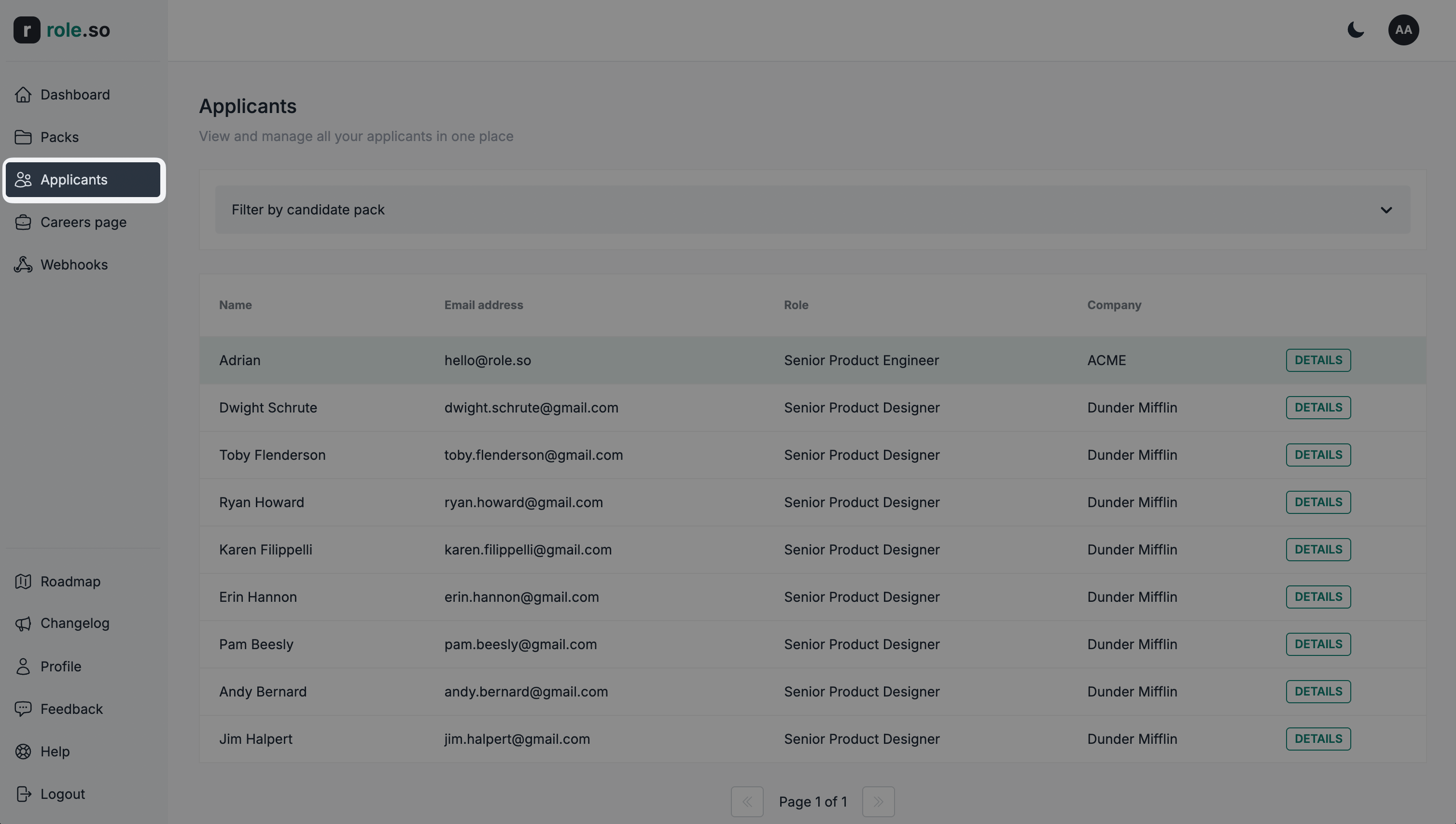
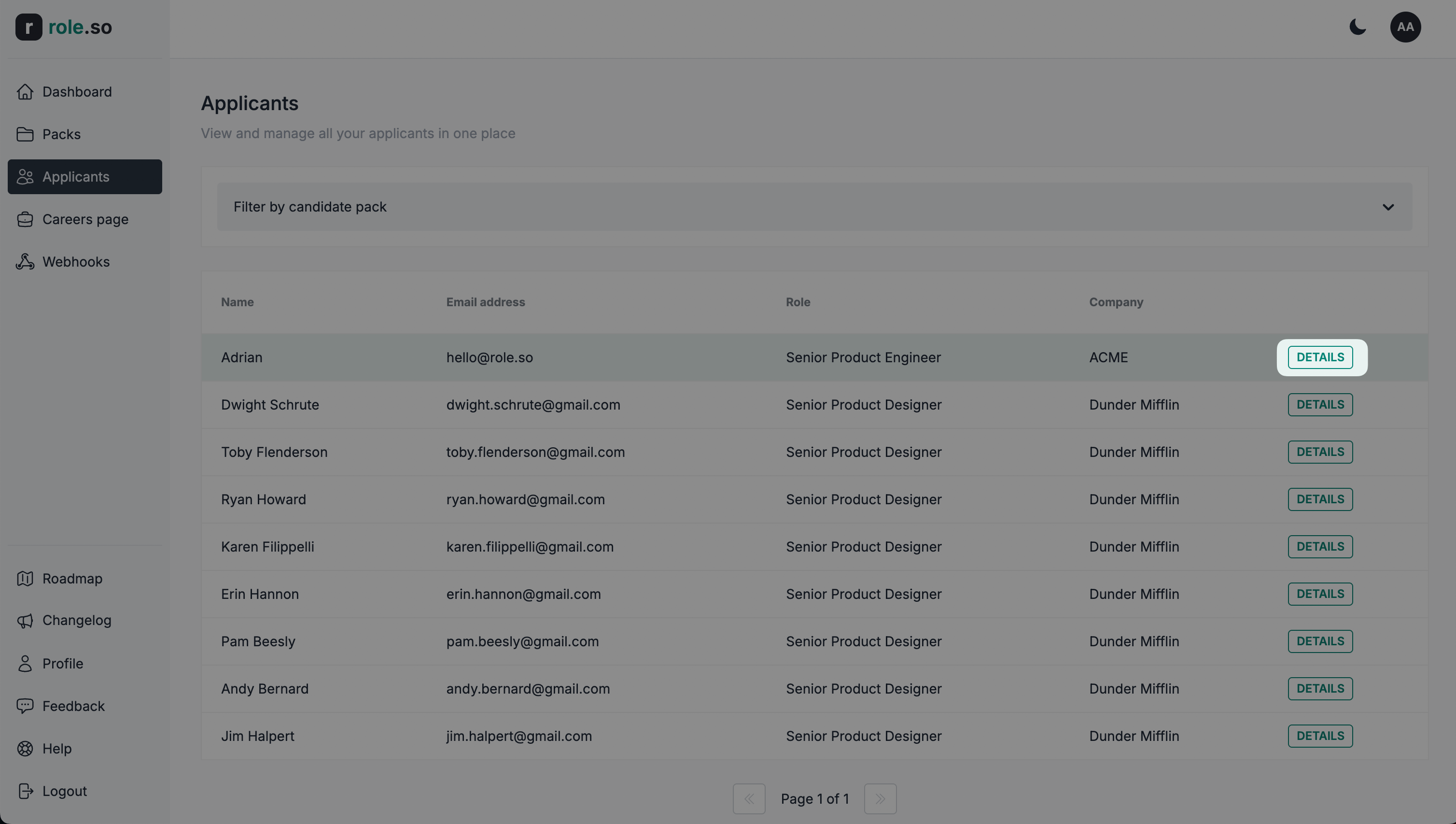
- Click the
Detailsbutton for the applicant of your choice
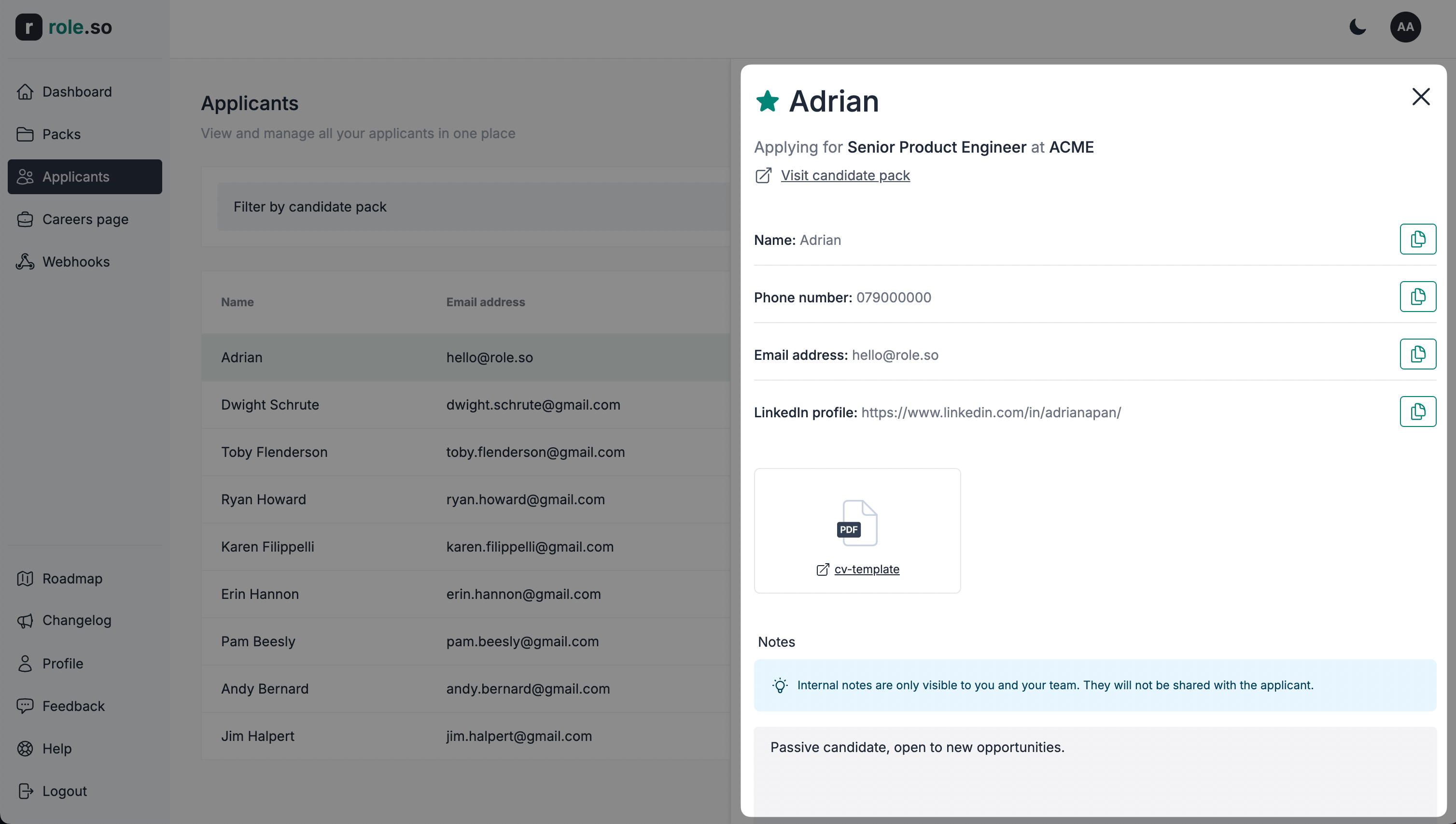
This will open the candidate details view
Add an applicant to favourites
Use the
Favorites onlyfilter to show applicants marked as favourites by anyone on your team.
To shortlist an applicant, click the favourite (star) icon to the left of the applicants name within the applicant details view.
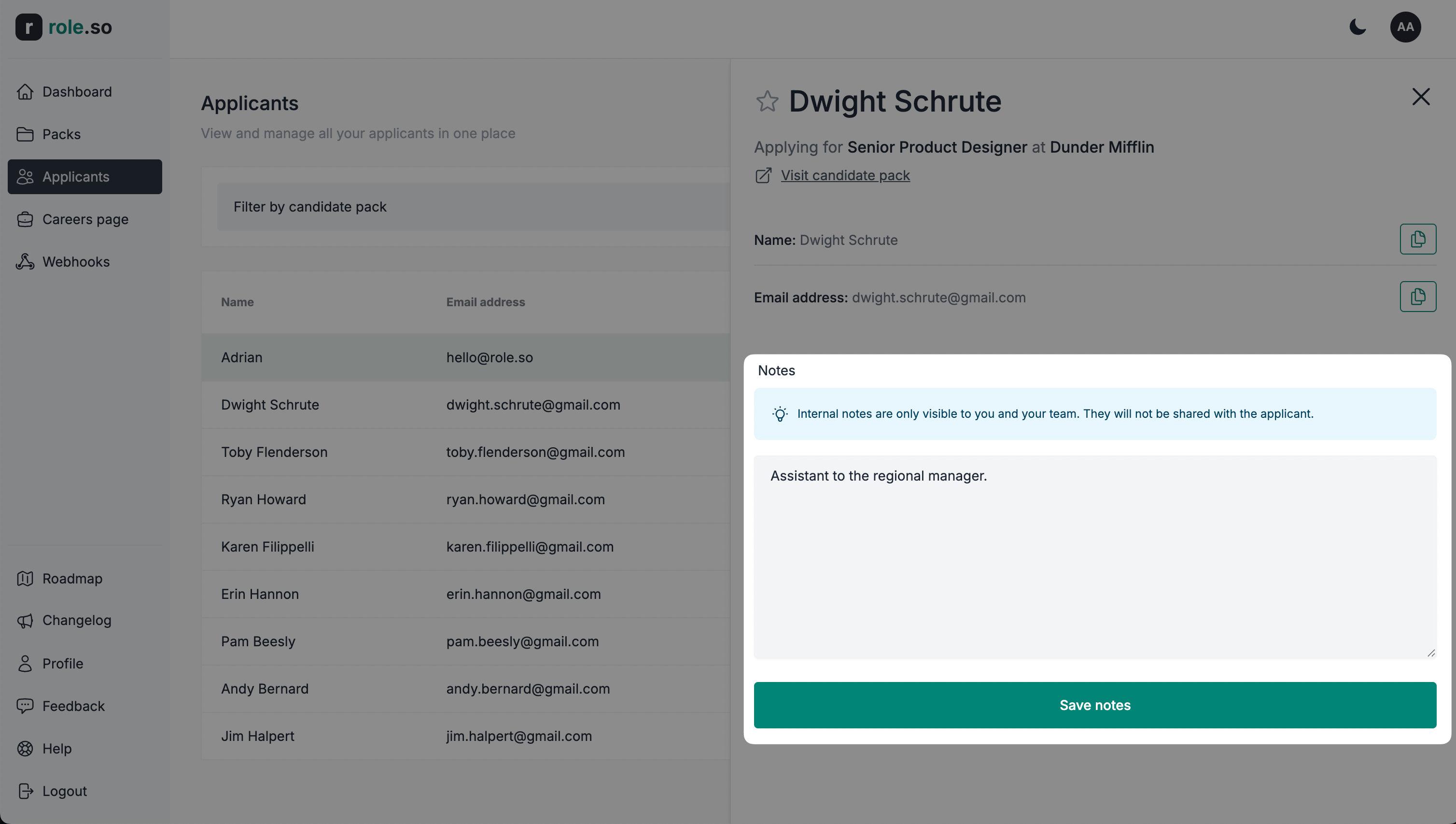
Add an internal note
Internal notes are only visible to you and your team. These will not be shared with the applicant.
To add an applicant note, fill in the notes textarea within the applicant details view and click the Save notes button.