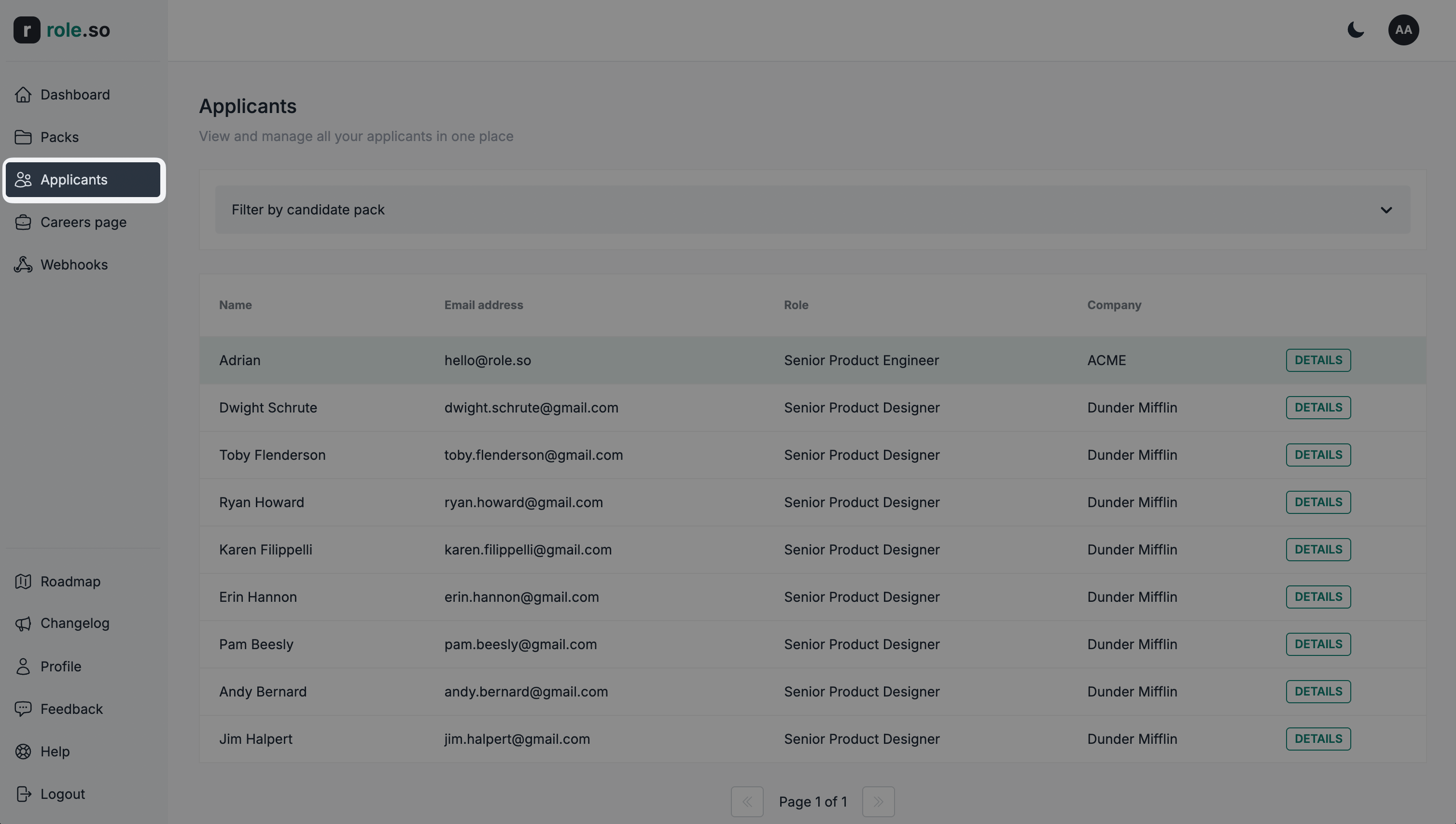
Navigating to the applicants dashboard
You can access the applicants dashboard at this link, or by clicking the Applicants button in your dashboard's main navigation menu.
From the candidate packs listing page
-
Navigate to the candidate packs listing page
-
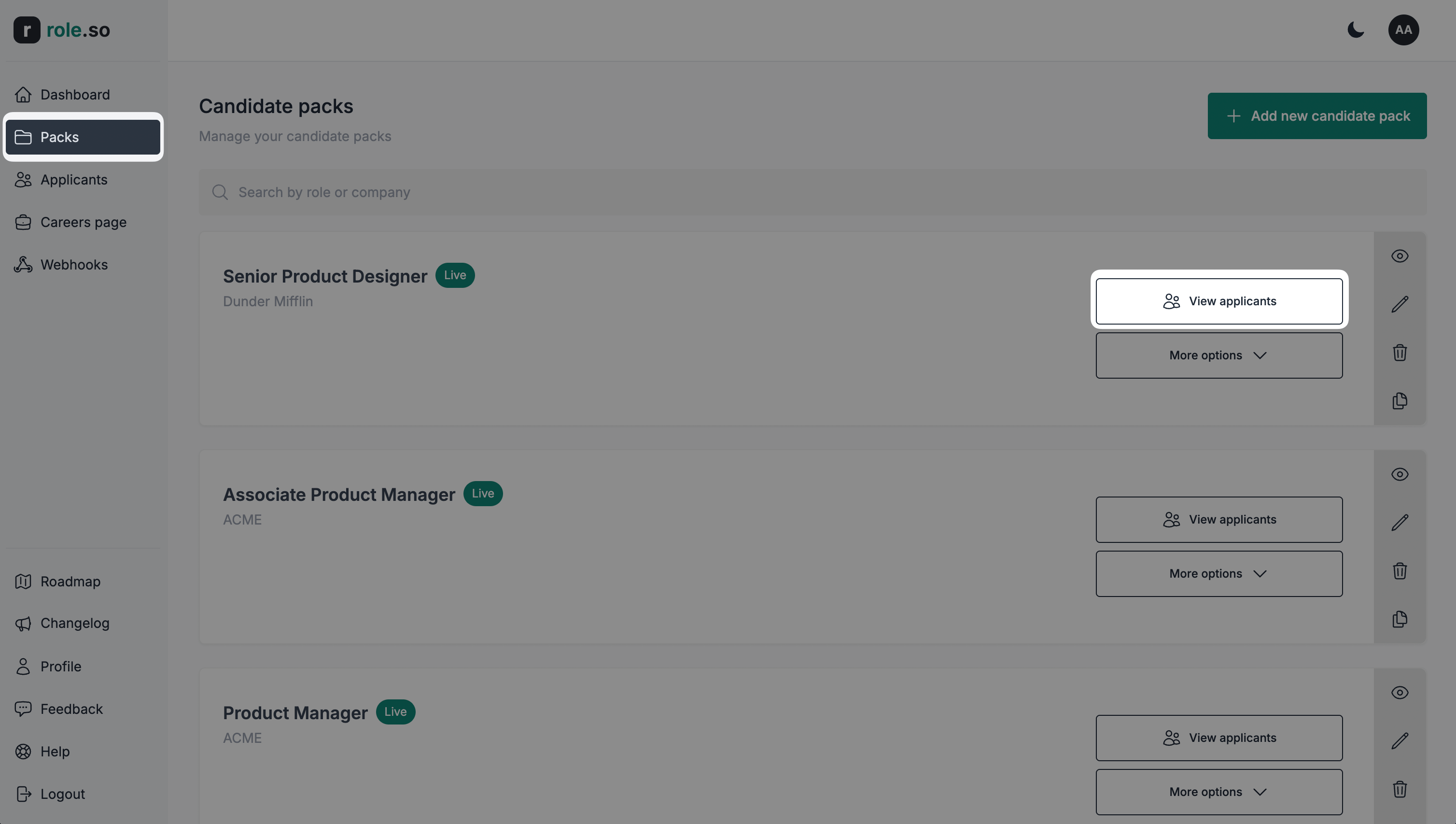
On a published or archived candidate pack, click the
View applicantsbutton. Draft packs do not show this button; use the main Applicants dashboard instead.
From the candidate pack editor page
-
Navigate to the candidate pack editor page of your choice
-
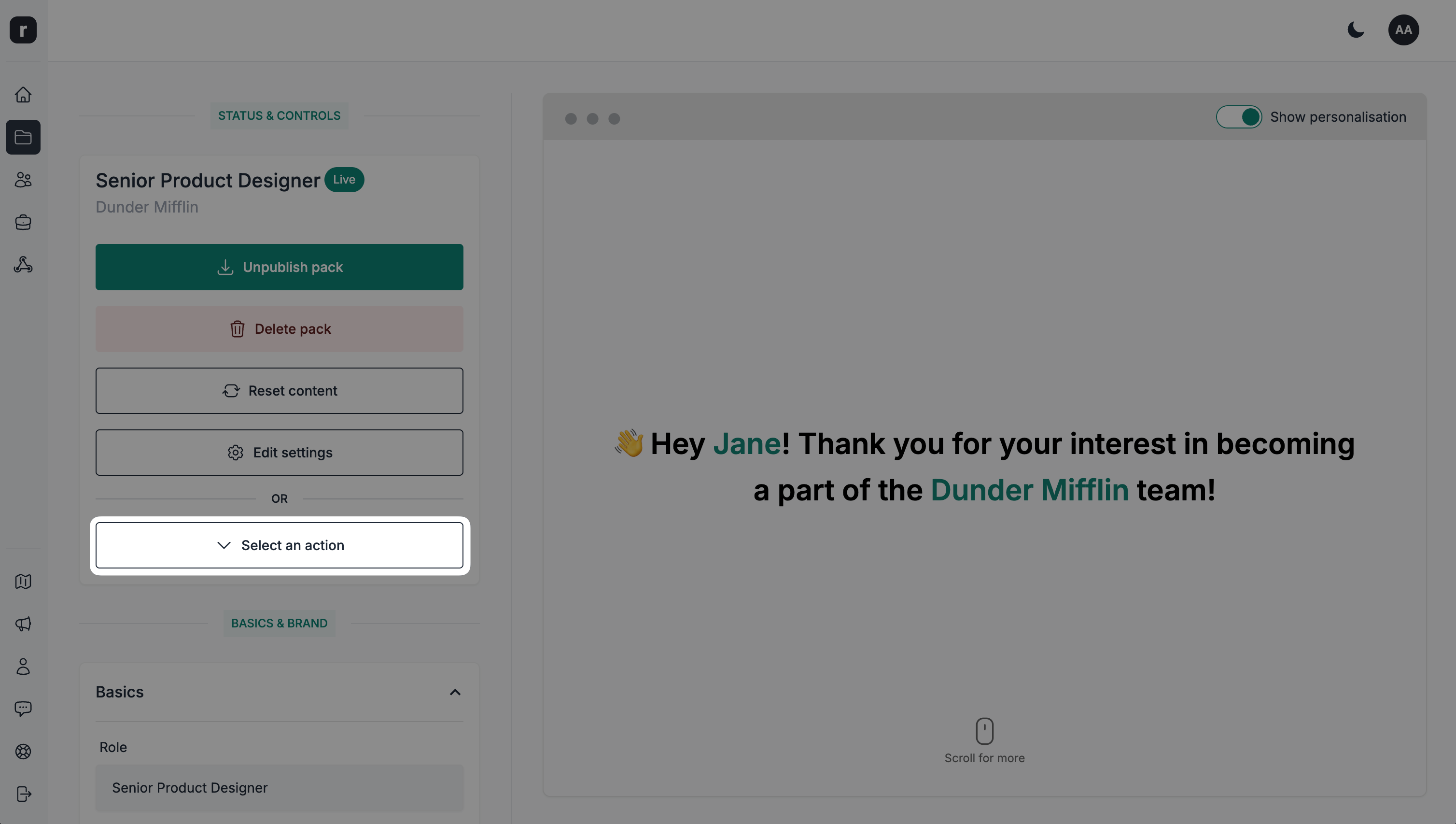
Click the
Select an actionbutton
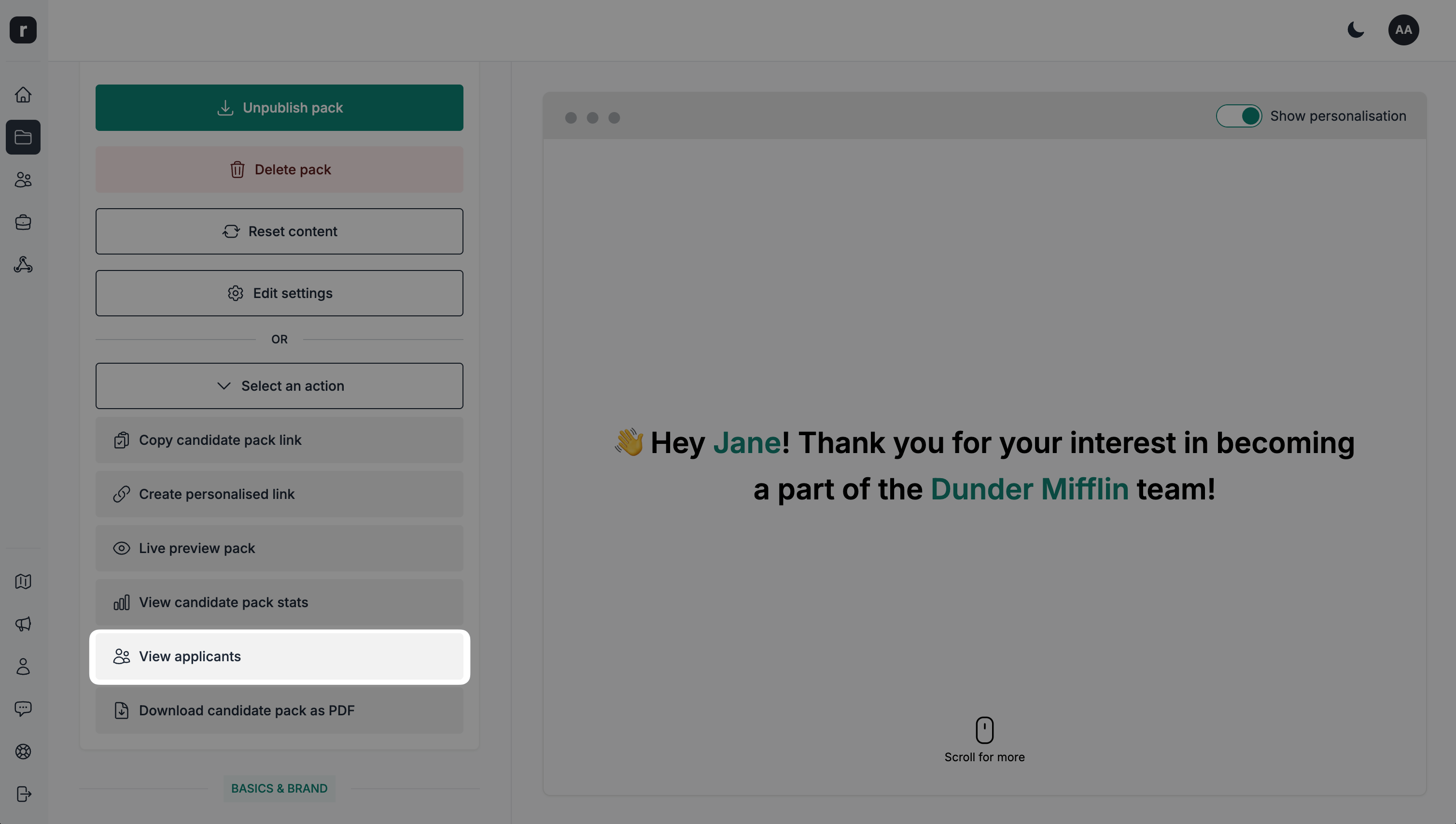
- Click the
View applicantsbutton