Careers Page Editor
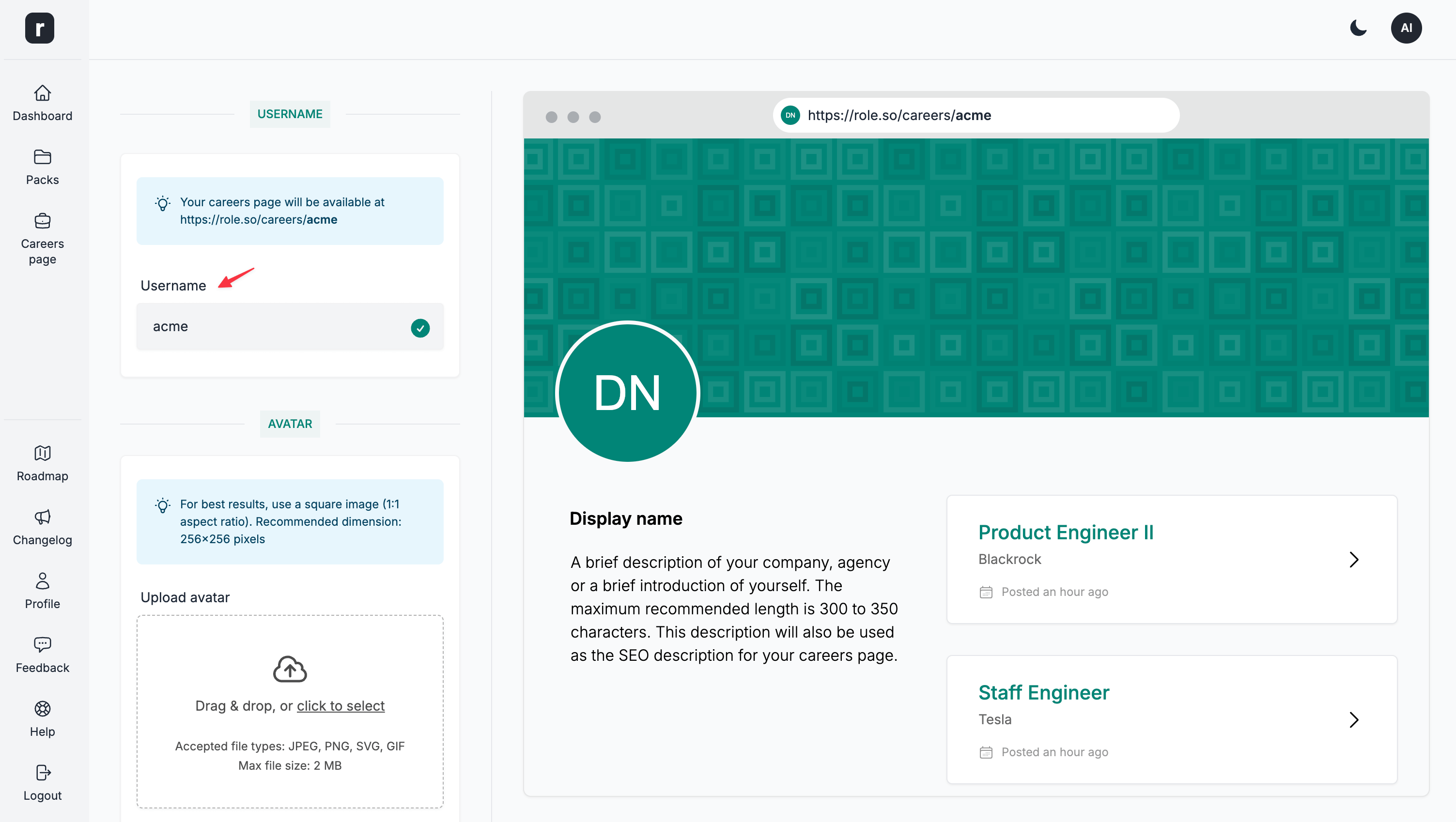
Username
Your careers page is available at different addresses depending on its scope and URL mode:
- A global page in legacy username mode:
https://role.so/careers/USERNAMEorhttps://YOUR-DOMAIN.com/careers/USERNAME. - A global page in organization-slug mode:
https://role.so/o/ORGANIZATION/careersorhttps://YOUR-DOMAIN.com/o/ORGANIZATION/careers. On a root custom domain, usehttps://YOUR-DOMAIN.com/careers. - A workspace page:
https://role.so/o/ORGANIZATION/c/WORKSPACEorhttps://YOUR-DOMAIN.com/o/ORGANIZATION/c/WORKSPACE. On a root custom domain, usehttps://YOUR-DOMAIN.com/c/WORKSPACE.
The username requirements and screenshot below apply only to a global page in legacy username mode. The username must be at least 3 characters, cannot exceed 50 characters and must only contain a-z, 0-9 and -.
Avatar
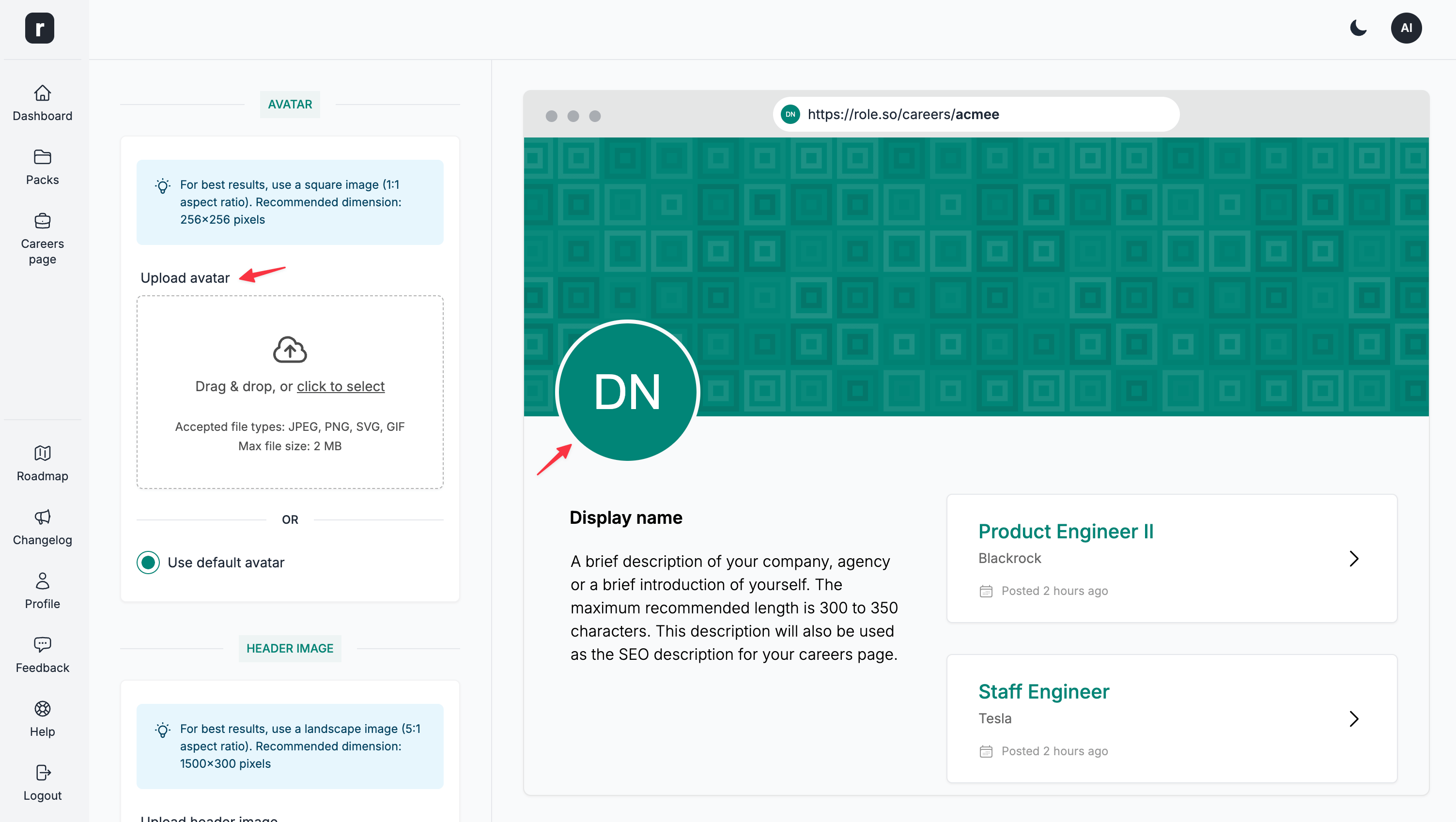
Option to upload a custom avatar. Accepted file types: JPEG, PNG, WebP. Max file size: 4 MB.
This is an optional field. If you do not upload an avatar image, the platform generates one from the Careers Page Display name. If no display name is entered, it uses the default Display name value.
💡 For best results, use a square image (1:1 aspect ratio). Recommended dimension: 256x256 pixels
Header
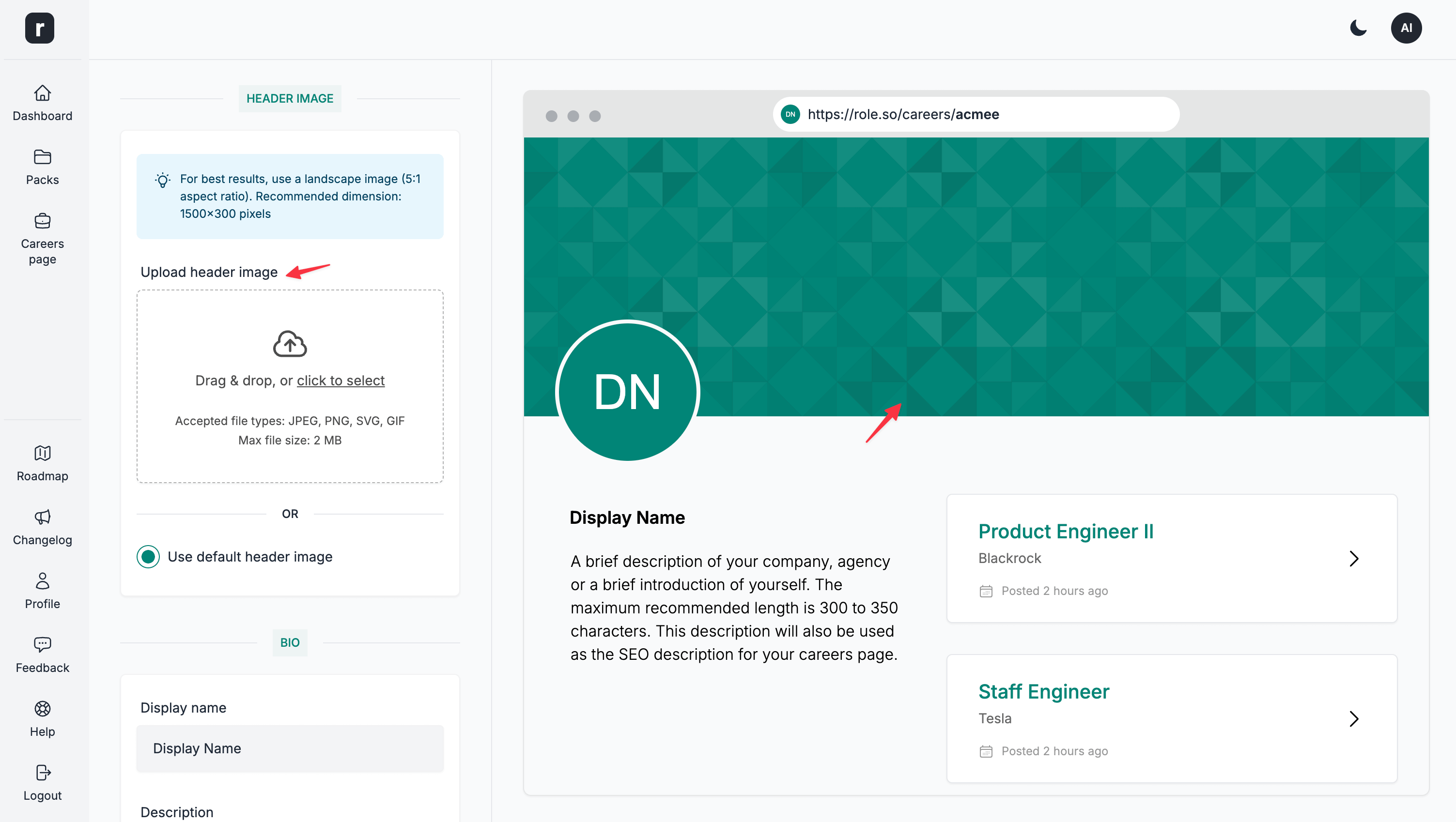
Option to upload a custom header image. Accepted file types: JPEG, PNG, WebP. Max file size: 4 MB.
This is an optional field. If you chose not to upload a header image, the platform will generate a custom header image for you based on the Display name field.
💡 For best results, use a landscape image (5:1 aspect ratio). Recommended dimension: 1500x300 pixels
Display name
A name to be displayed in the bio section of the Careers Page.
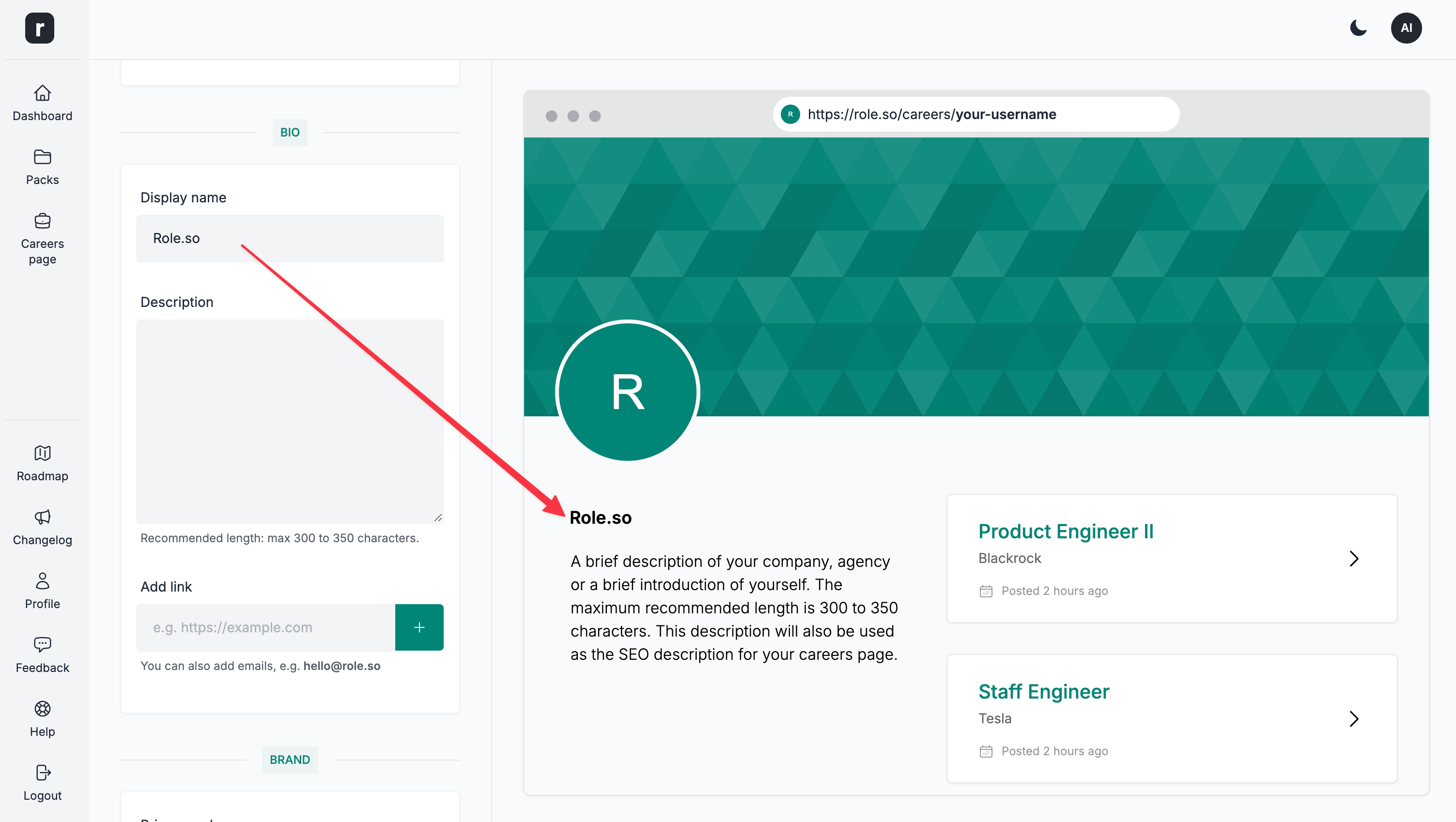
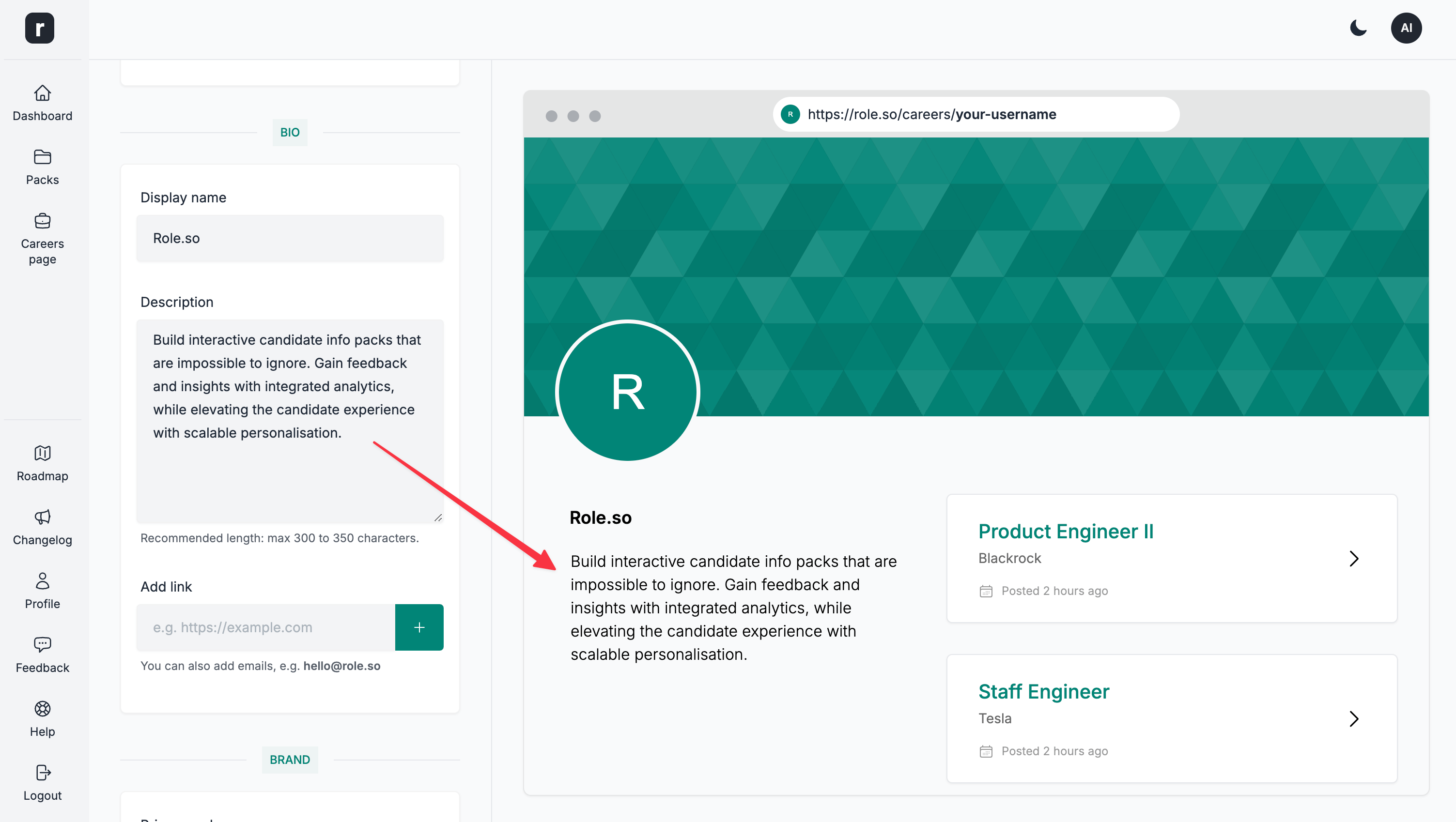
Description
A brief description of your company, agency or a brief introduction of yourself. The maximum recommended length is 300 to 350 characters. This description will also be used as the SEO description for your Careers Page.
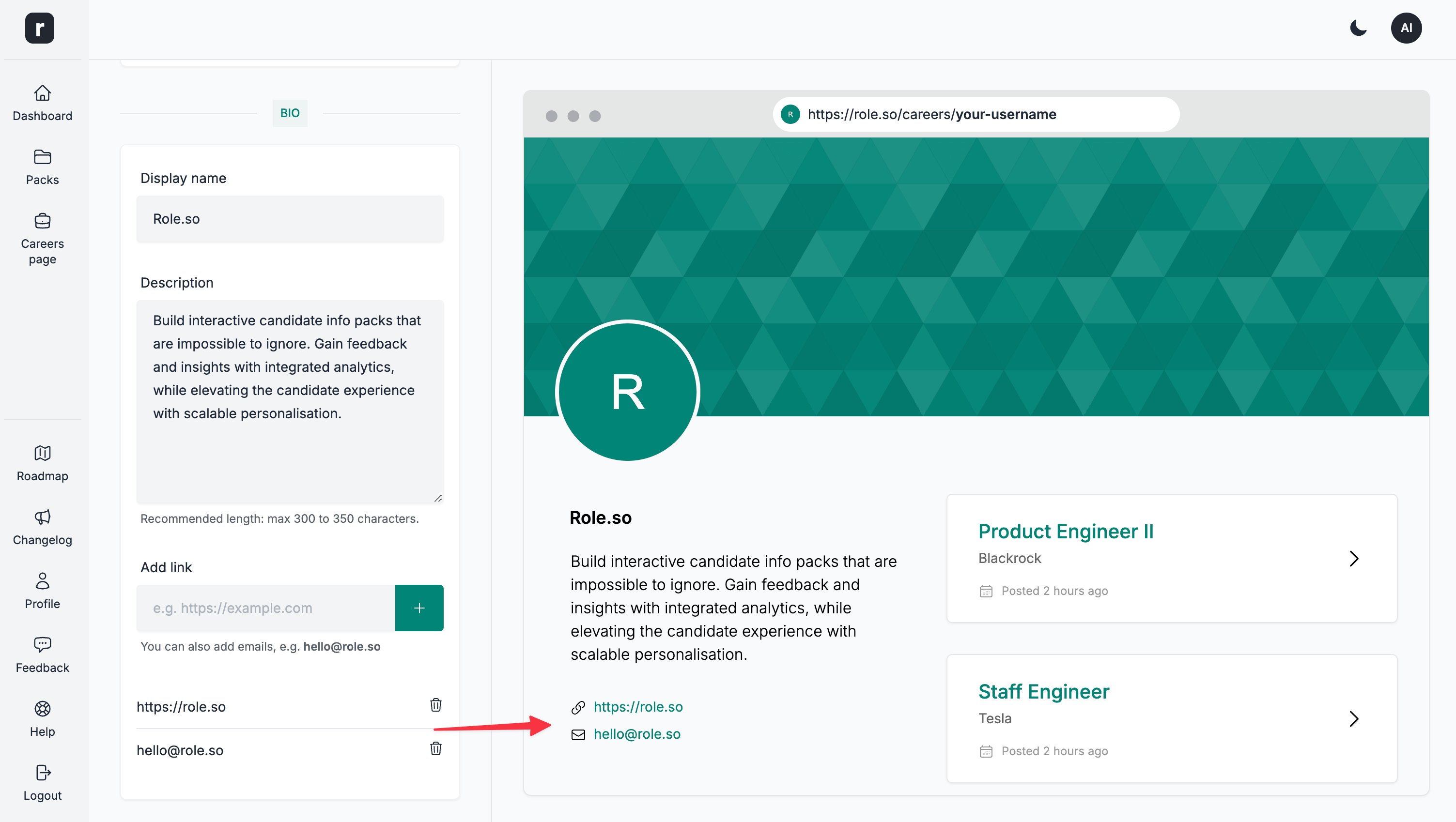
Links
Optional field to add links to your website, social media profiles or a contact email address. To add an email link, simply type in an email address.
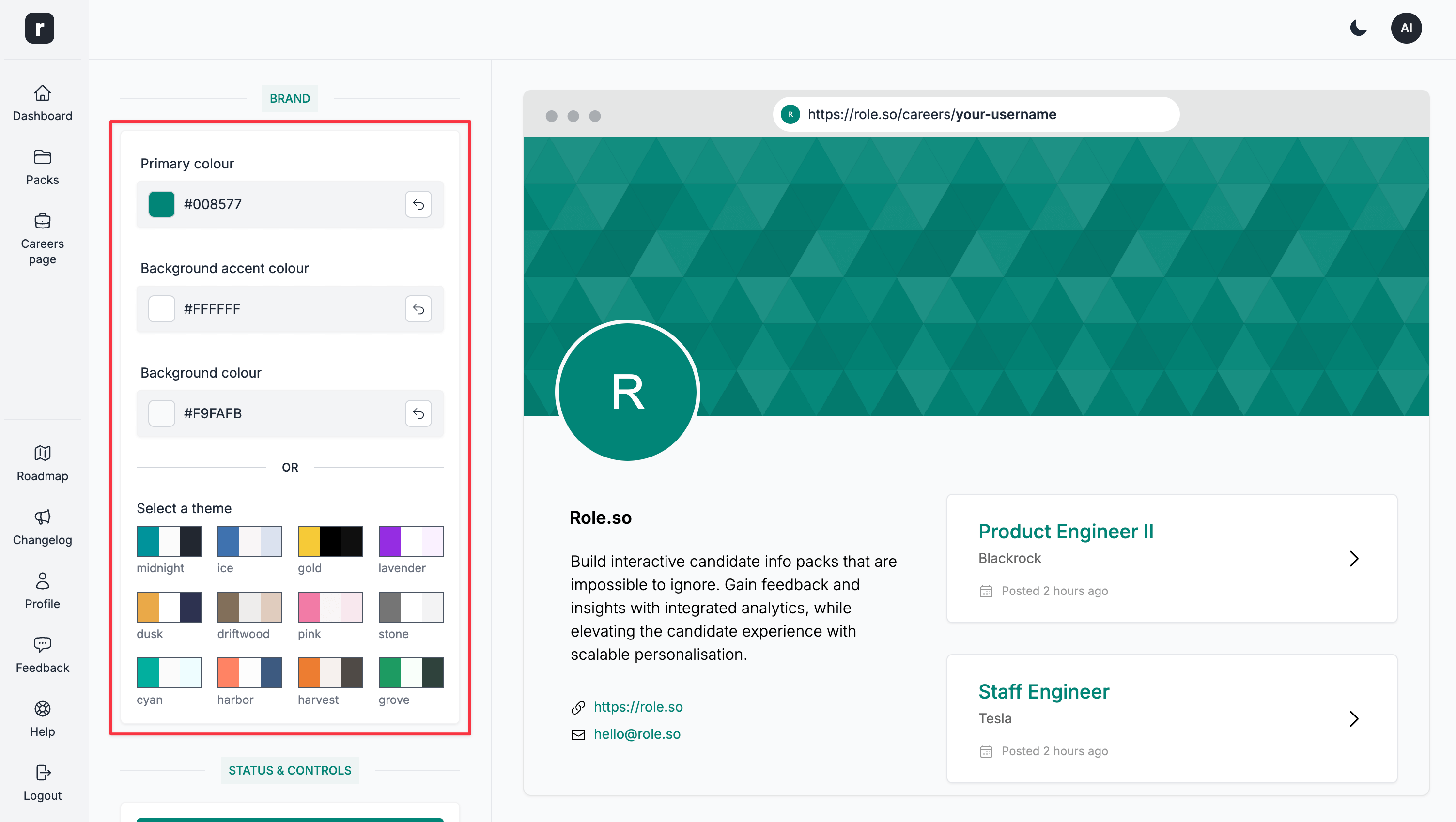
Brand
Similarly to the candidate packs, you can customise the look and feel of your Careers Page.
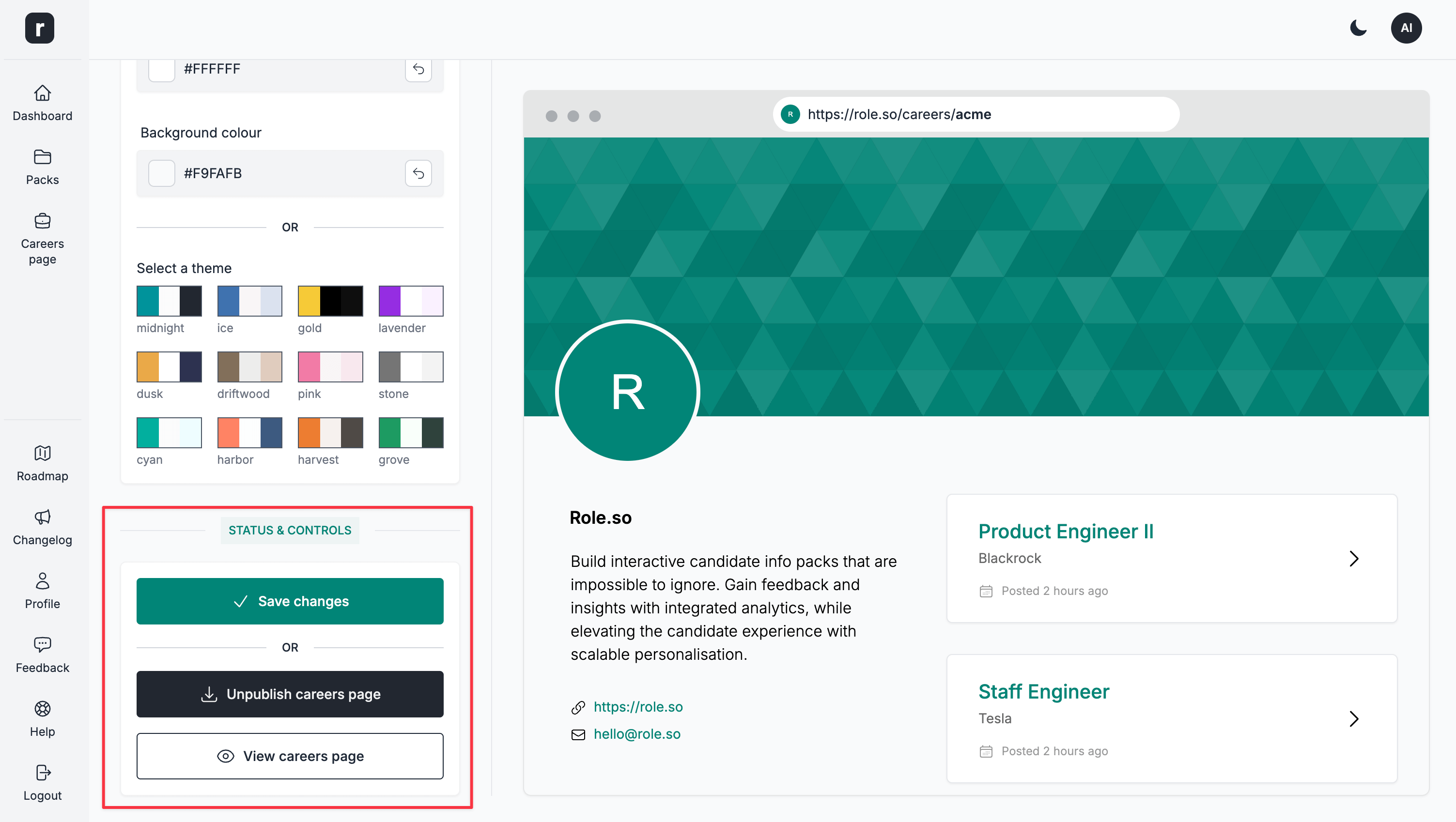
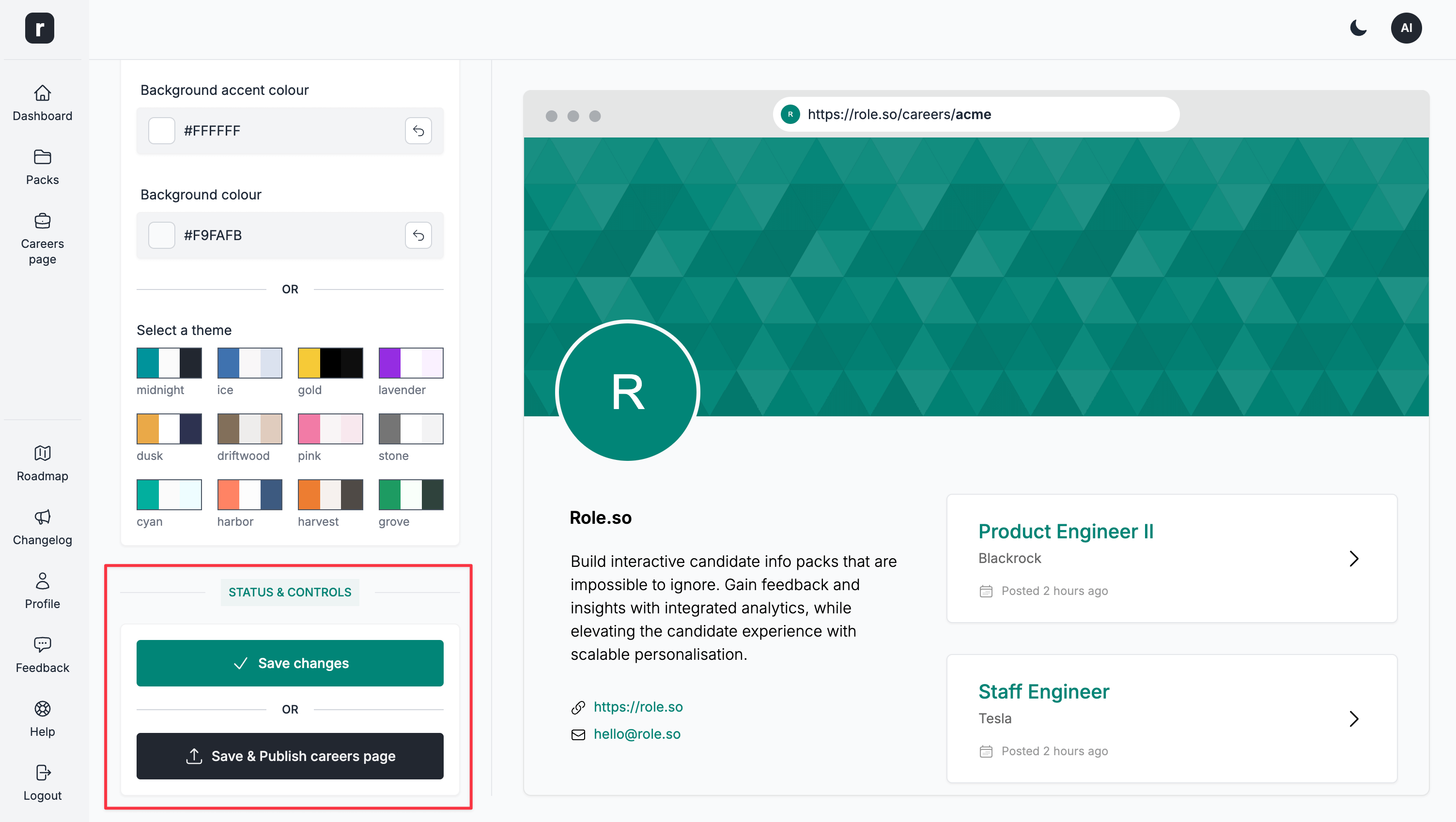
Status & Controls
This is where you can control the status of your Careers Page.
When a Careers Page is in draft mode, you can:
Save changes- save changes without publishingSave & Publish careers page- save and publish the careers page
When a Careers Page is published, you can:
Save changes- save changes, without affecting the status of the careers pageUnpublish careers page- move the careers page into draft modeView careers page- visit your public careers page