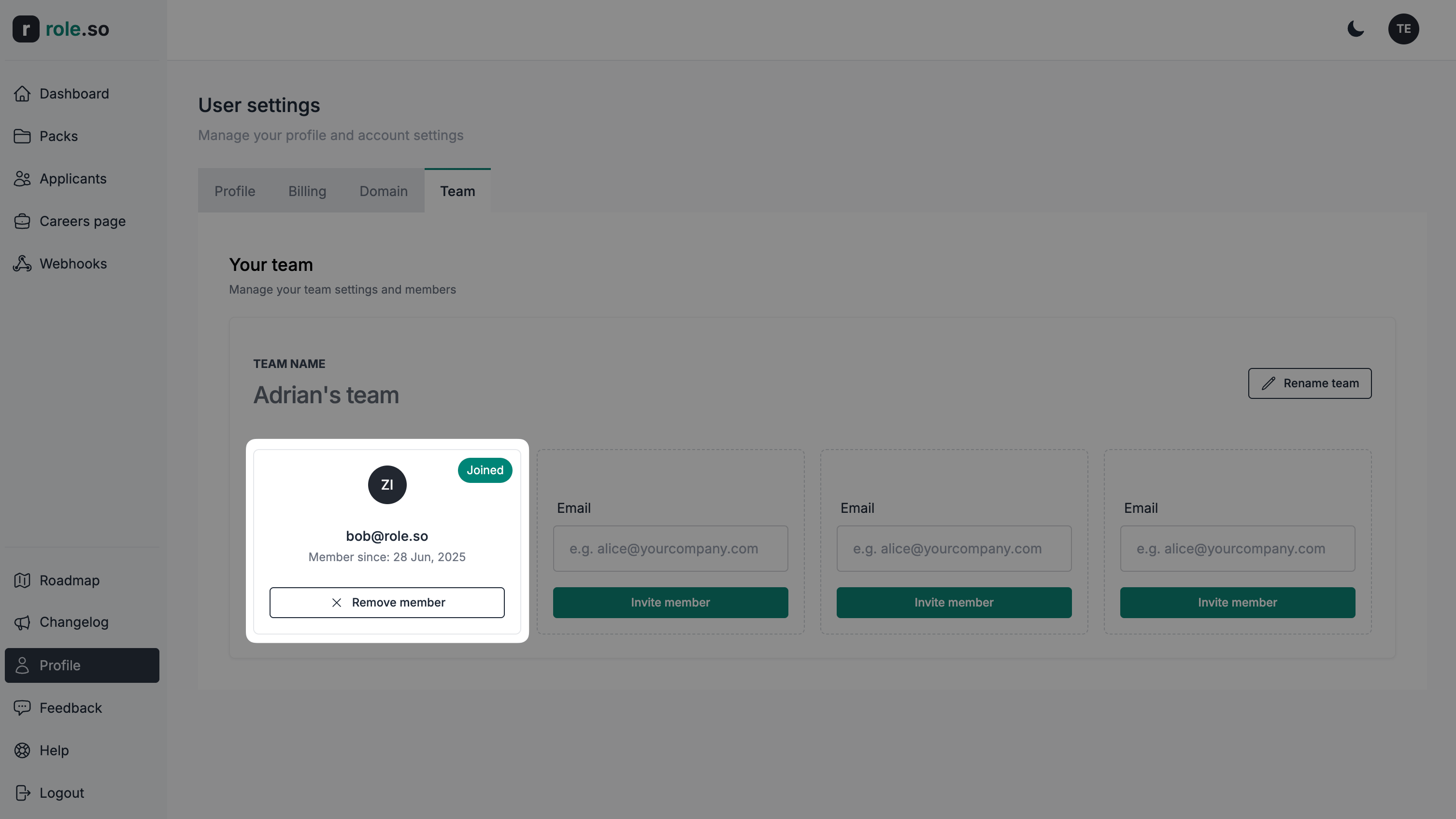
Invite a team member
You can invite team members when your account has an active team entitlement and available capacity. Invited members do not need an individual subscription.
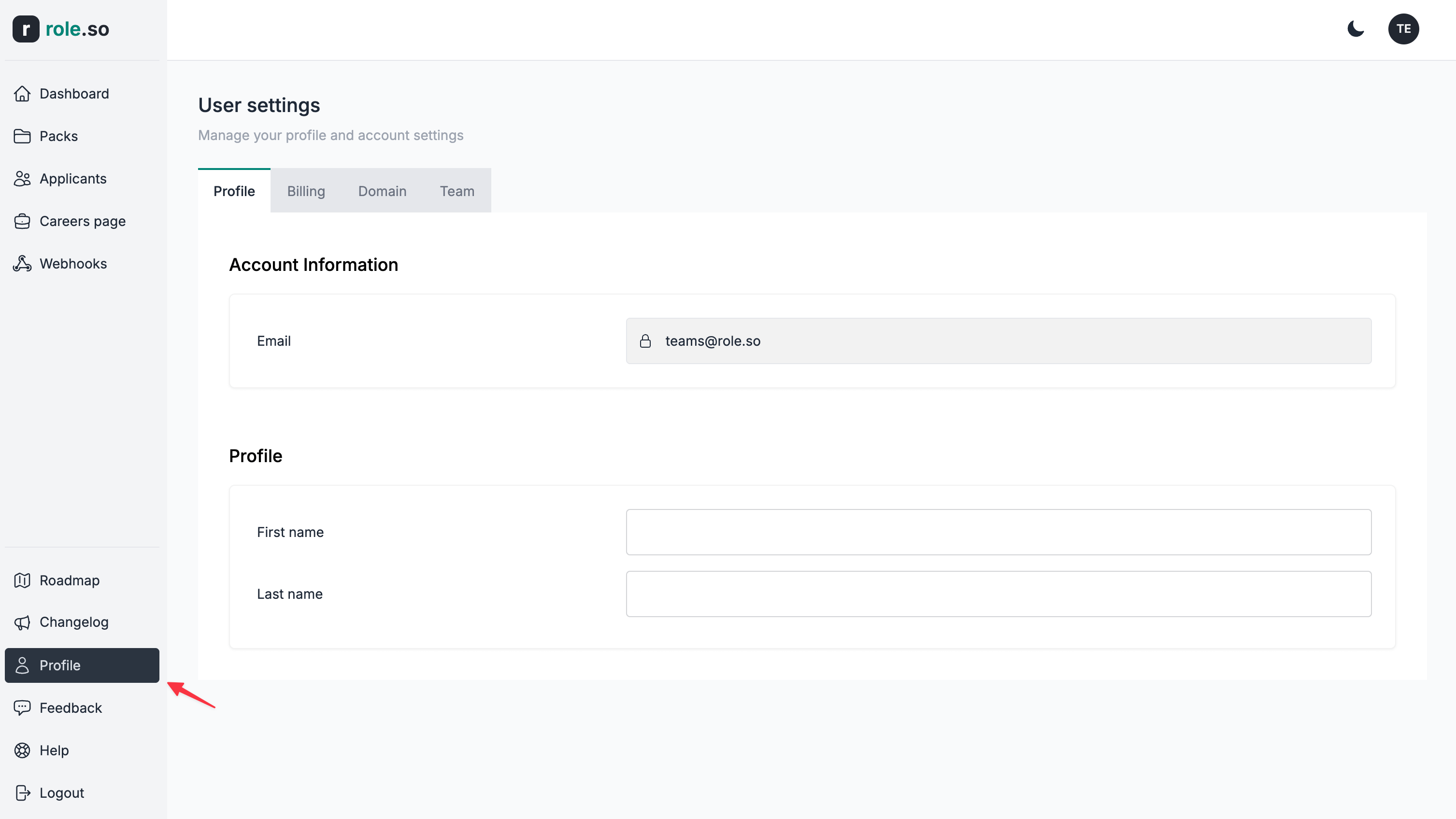
- Navigate to the Team section of your settings
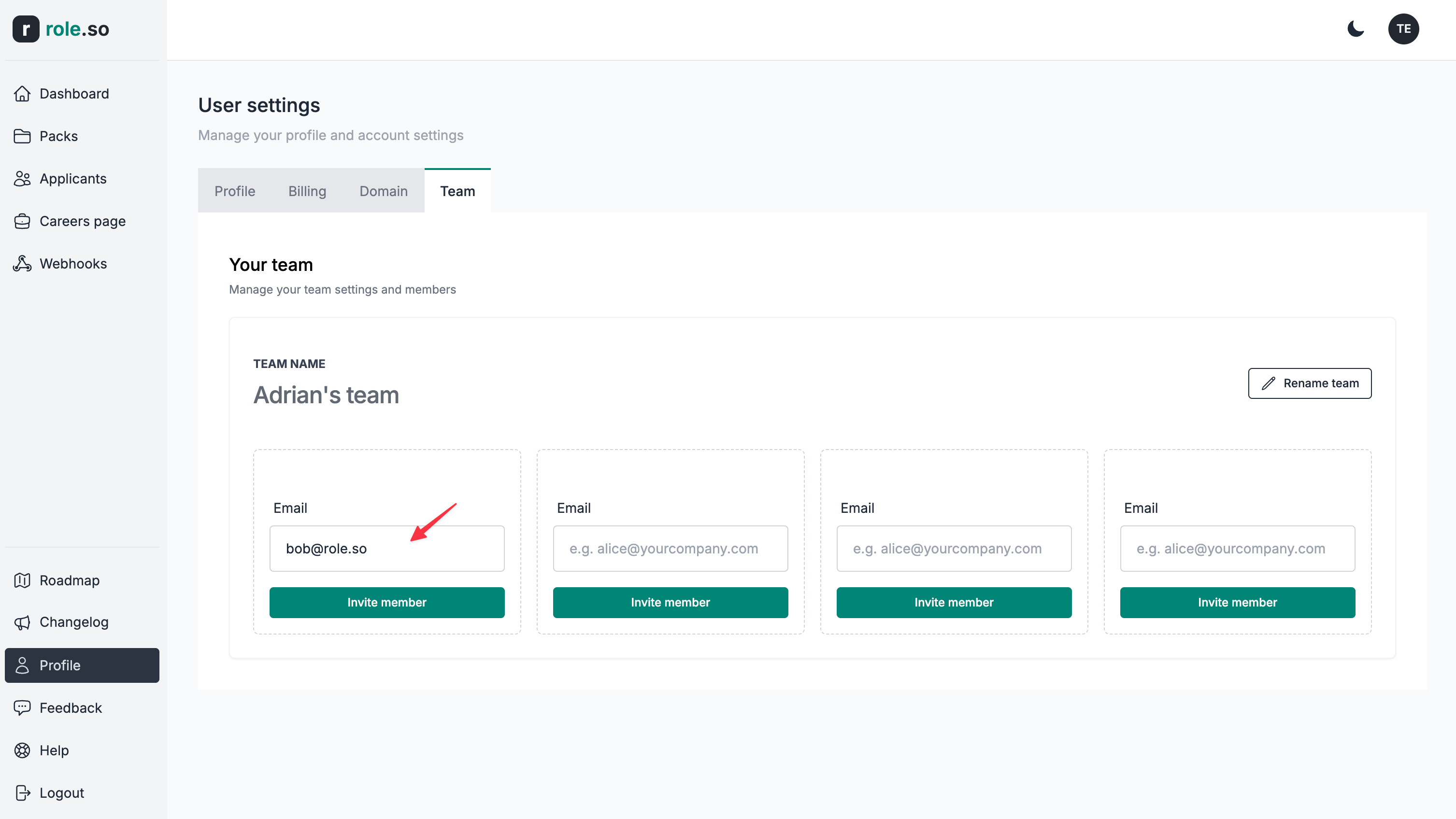
- Add the email of the user you'd like to invite to your team
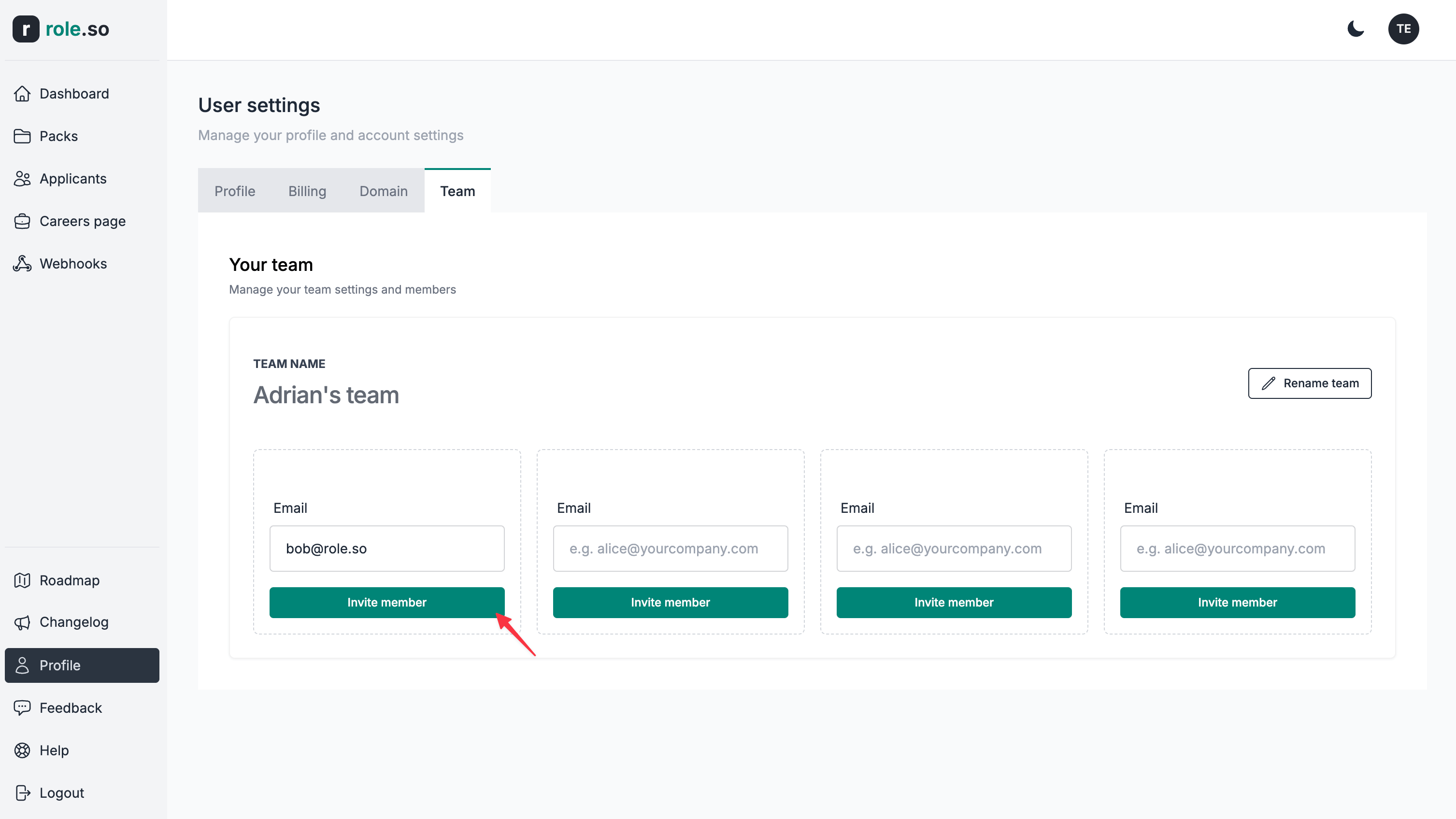
- Click the
Invite memberbutton
- The new team member will appear as pending until they register and accept your invitation
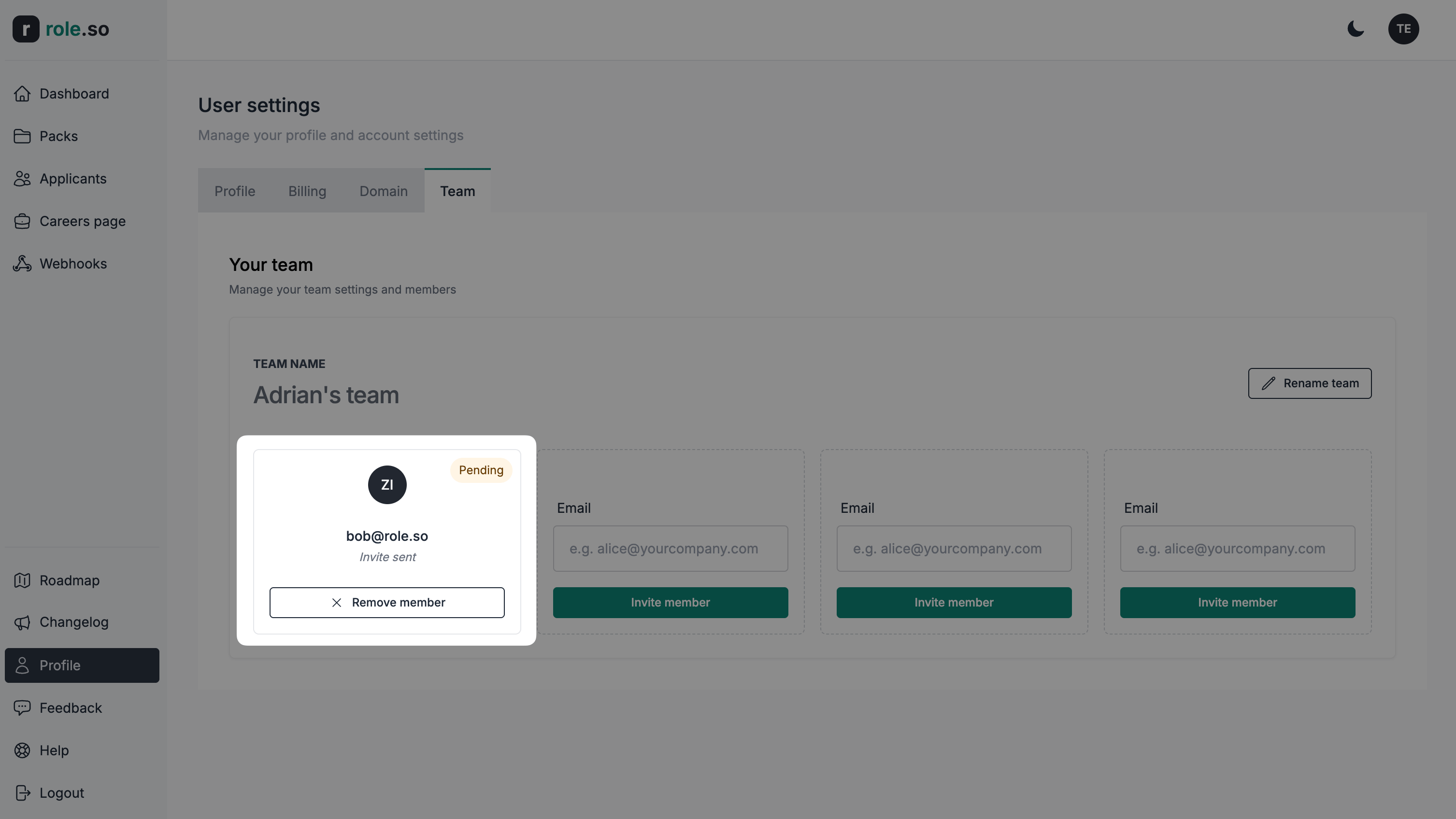
- Once they accept your invitation, their membership status will be reflected in your team's dashboard