Add your Careers Page
Adding your careers page
-
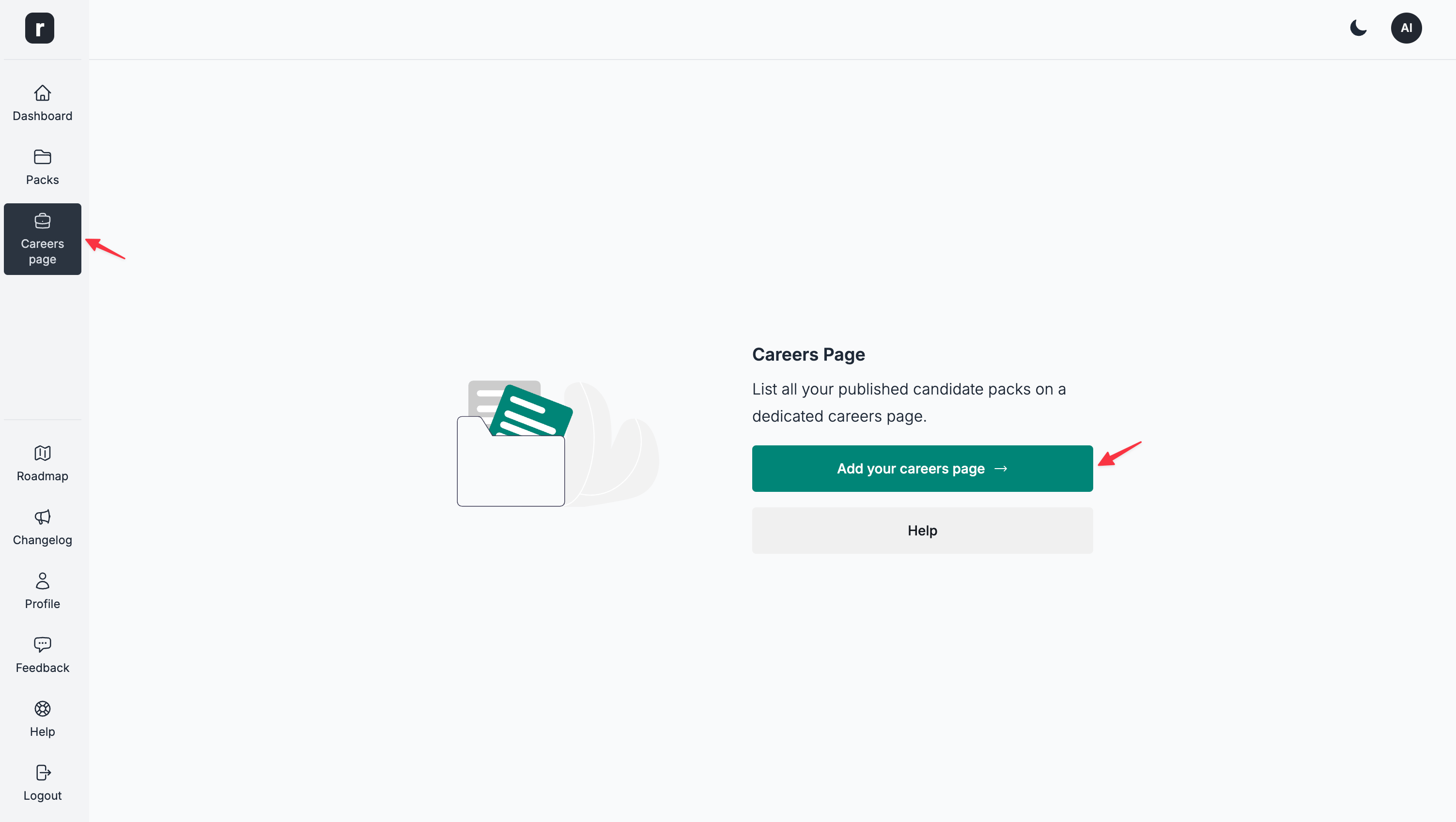
Navigate to the Careers Page section
-
Click the
Add your careers pagebutton
- A creation dialog opens. Select
Global careers pageor a workspace as the destination. For a workspace, chooseStart from scratchorCopy the global careers pagewhen available, then clickCreate.
For more details about the Careers Page editor, please refer to the Careers Page Editor section within the Knowledge Base.